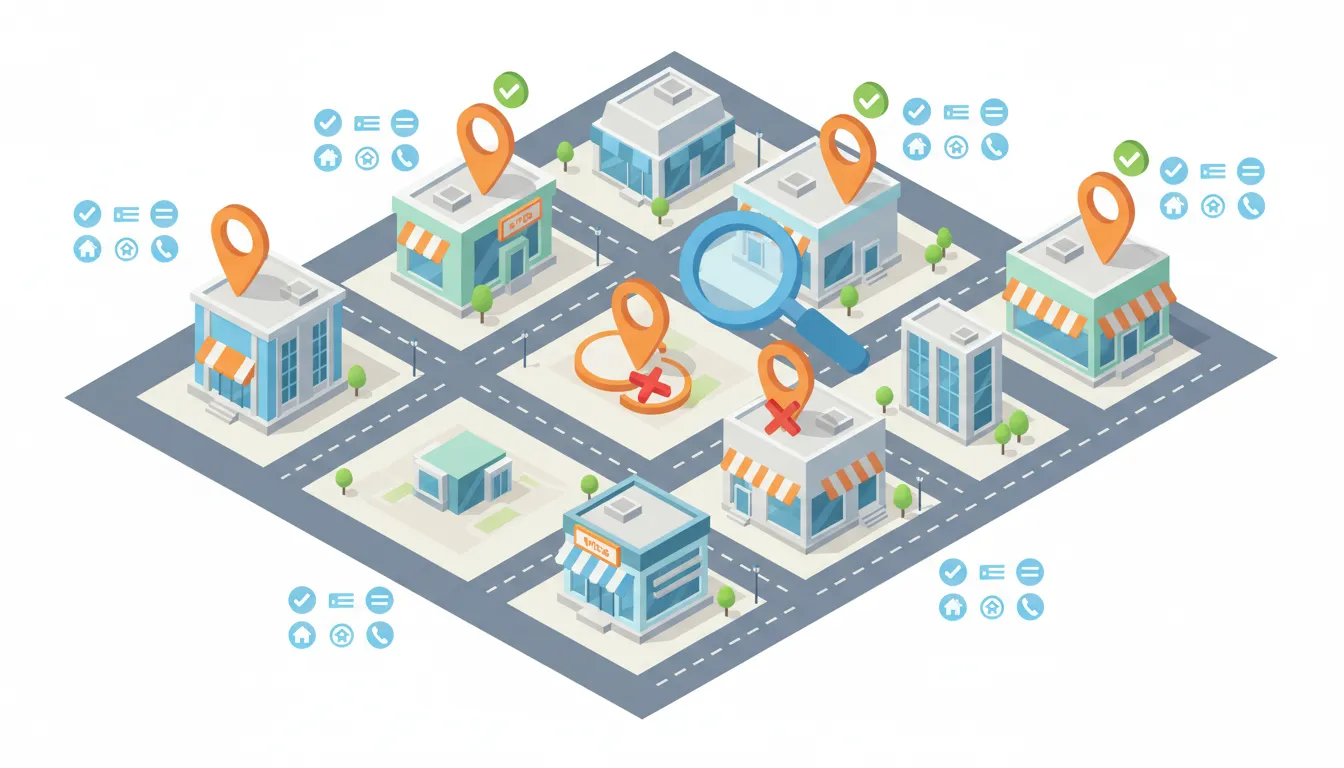
Why multi-location SEO matters
If your business operates in multiple places — whether as a franchise, a regional chain, or several independent locations under the same brand — local SEO determines how easily customers find each store on Google Maps and in search results. Getting local SEO right for multi-location businesses prevents listing issues, improves visibility in each city, and avoids losing Google Business Profile entries due to duplicate detection.
The core rule: NAP (Name, Address, Phone)
The most important elements for every location are the three fundamentals of local search, commonly called NAP:
- Name of the location
- Address (accurate, physical street address)
- Phone number (local preferred)
These three pieces are what Google uses to identify and distinguish each business location. If two listings share the same name and phone number, Google may flag one as a duplicate and remove or suspend it. That means lost visibility and wasted verification effort.
Common multi-location scenarios and solutions
1. Same brand name, unique addresses and phones (ideal)
The cleanest setup is to keep the same brand name across locations but ensure each listing has a different physical address and its own local phone number. This reduces the chance of duplicate detection and improves local relevance for each area.
2. Same phone number across locations (risky)
Using one corporate phone number for all locations increases the risk that Google treats other entries as duplicates. If you must use a shared number, consider distinguishing the listing name by city (see option below). Still, the best practice is a unique local phone number per location.
3. Adjusting the business name to avoid duplicates
If you cannot provide different phone numbers, modify the visible business name slightly to make each listing unique. For example:
- My Business — City One
- My Business — City Two
- My Business — Neighborhood Name
Use this tactic with care. Avoid keyword stuffing or deceptive names. The goal is to help Google and customers differentiate locations, not to manipulate ranking.
Notes about franchises and big brands
Large franchises sometimes use corporate-level numbers, but many franchises still provide local numbers for each outlet. Google tolerates same brand names across many locations when addresses and phones are unique and accuracy is maintained. The difference is consistent, verifiable local data.
Practical checklist for setting up multi-location Google Business Profiles
- Create a separate Google Business Profile (Google My Business / Google Business Profile) for each physical location.
- Use a unique local phone number for each location when possible.
- Ensure each address is a real, physical address — not a PO box.
- Verify each listing with Google (postcard, phone, or other available verification methods).
- Match NAP on your website — have a dedicated landing page for each location with the same name, address, and phone.
- Use consistent formatting across directories and citations to reduce confusion.
- If forced to share a phone number, differentiate the visible listing name responsibly (e.g., add city or neighborhood).
Why verification and uniqueness matter
Google invests heavily in detecting duplicate or inaccurate listings. When the same name and phone appear for multiple addresses, the algorithm may decide the entries are duplicates or erroneous and remove one or more listings. That wastes time verifying and reduces visibility for customers searching locally.
Final recommendations
Prioritize a unique phone and accurate address for every location. If you lack local numbers, safely adjust the business name to include a city or neighborhood identifier. Keep all information consistent on your website and across directories, and verify each Google Business Profile. These steps protect your listings from duplication issues and help each location rank for local searches.
Follow these guidelines to keep your multi-location presence tidy, verifiable, and discoverable on Google Maps and local search.