If you have ever heard “AI” and thought, “Okay… but what is it really?” this guide is for you. The goal is simple: understand how artificial intelligence works in everyday terms and learn how to build a practical workflow even if you are not technical.
We will focus on the most common starting point: ChatGPT and similar tools (Gemini, Claude), then we will move into a real-world example: creating AI videos with an avatar and voice. Spoiler: it is not one button. It is usually many steps working together.
What is AI, really? (No technical jargon)
At its core, AI is a system that generates an output based on the knowledge it was trained on. Think of it as an engine that learned from large amounts of information and then produces an answer, a summary, a plan, or a draft based on your request.
When people say “AI is smart,” what they often mean is that it can find patterns in the information it learned and respond in a way that feels natural.
ChatGPT in plain language: the “database + request” idea
A helpful way to understand ChatGPT is to imagine it like this:
- Step 1: Training. ChatGPT was trained using a massive collection of information. A common analogy is that it learned from “everything on the internet,” including articles, books, biographies, and other text sources.
- Step 2: Storage. That information is organized and stored inside the system across powerful computing resources.
- Step 3: Communication. When you ask a question, you are not asking it like a computer that only outputs code. You are sending it a request in text (or voice), and it returns an interpretation and response based on what it has learned.
In other words: ChatGPT is not magic. It is trained knowledge plus a way to ask for a response.
ChatGPT vs Google: what is the real difference?
People often ask: “Is ChatGPT just like Google?” They are related, but the behavior is different.
How Google typically works
Google usually gives you websites that might contain the answer. It does not “decide” the final answer for you. It points you to sources so you can check what is correct.
How ChatGPT typically works
ChatGPT aims to produce a direct response. Based on its training, it generates a combined answer that sounds coherent and relevant to your question.
Simple takeaway: Google often helps you find answers. ChatGPT often helps you get answers.
Why “just tell it to create it” usually fails
One of the most important lessons for beginners is this: many people assume that AI will work like a single “create” button.
For example, someone might think: “I am not technical. I want an AI that looks like me and speaks like me. I want it to think exactly like me. Just create it.”
Here is the reality: human personality is complex, and copying it accurately cannot be done by a single prompt like “make a video.”
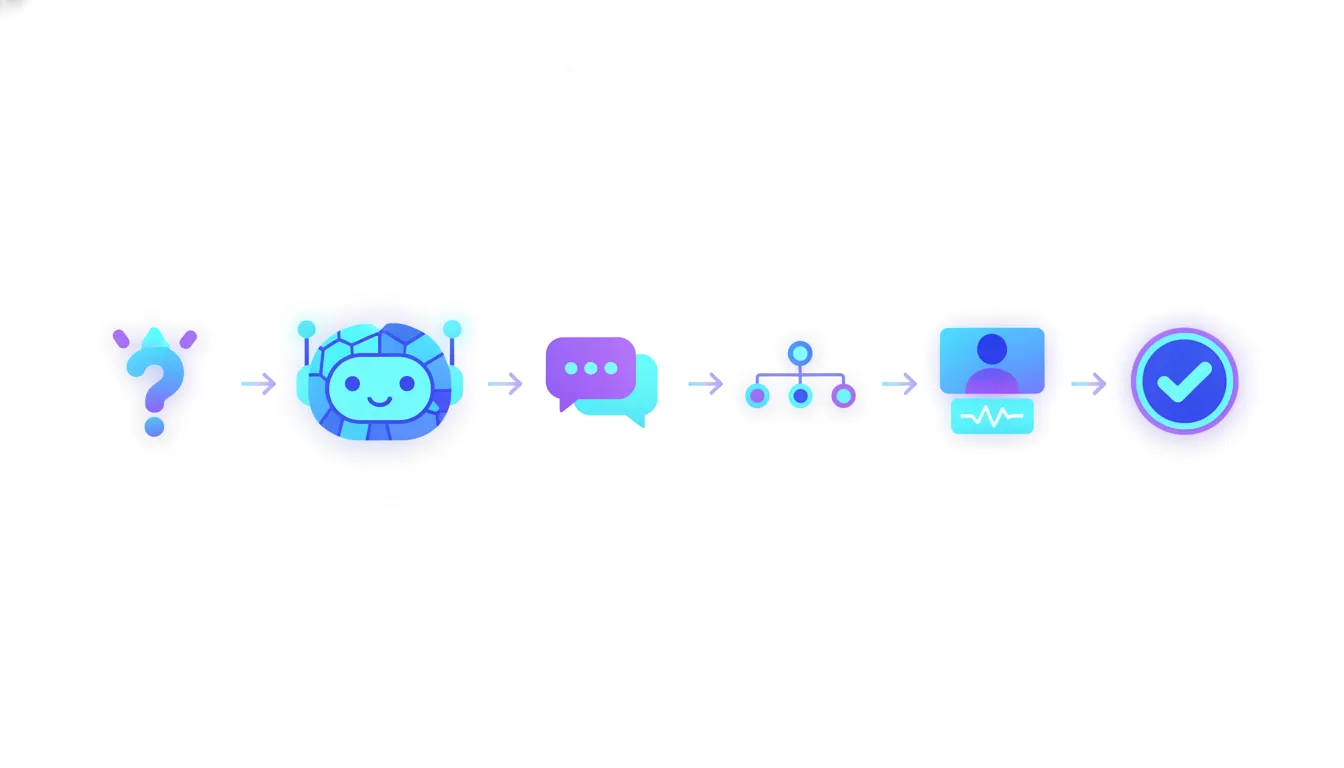
To get results, you typically need a workflow: a set of steps, each with a specific job, and often each step powered by different AI tools.
Build your first AI workflow: create videos with AI (step by step)
Let’s break down the example from zero: creating videos using AI so you do not have to record every single one yourself. This can include:
- Generating video ideas
- Writing a script
- Creating voiceover audio
- Creating an avatar (optional) that delivers the content visually
- Putting everything together into a final video
Notice how that is not one task. It is a pipeline.
Step 1: Generate ideas
If you do not want to brainstorm manually, you can use AI to create ideas for your topic and audience.
At this stage, you are planning what the video should be about, not writing the final script yet.
Step 2: Write the script
Next, you need the script. This is the exact text your video will say.
A good script usually includes structure such as:
- Hook (first lines that grab attention)
- Main points
- Example or explanation
- Summary and next action
Step 3: Convert the script into voice
After the script is ready, you generate the voiceover. This is often done using a voice AI tool that reads the text and produces audio.
You can sometimes use your own voice or a close alternative. In many beginner workflows, the voice is one of the easier parts compared to building a convincing avatar.
Step 4 (Optional): Create an avatar
If you want a talking character that resembles you, you may use an avatar creation tool. Typically, it involves providing input like:
- Your image or video footage (to mimic appearance)
- The voice track (so the avatar “speaks” the script)
Important expectation: training an avatar can take time, and it is not instant like clicking “generate everything.”
Step 5: Combine assets into the final video
Finally, you assemble the video: avatar visuals (optional) + voiceover + timing + any extra elements like captions, transitions, or background visuals.
This final step is what turns a collection of AI outputs into something publishable.
Can you reuse this workflow for future videos?
Yes. Once you have the system set up, you can often reuse the same pipeline for new content.
In practice, you repeat only the parts that change:
- New ideas
- New scripts
- New voice lines
The heavy “setup” work is front-loaded. That is why building a workflow is worth it.
Why this is not something you can do in 20 minutes
Even if the individual tools are easy to use, the complete workflow usually takes time because you are coordinating multiple AI components.
Typically, you will deal with things like:
- Avatar training or configuration
- Voice quality adjustments
- Script refinement for better delivery
- Editing and timing so the result feels natural
Some services claim to speed this up (for example, avatar and voice solutions). A common approach for beginners is to use a vendor that handles avatar creation and then plug the results into the rest of the pipeline.
What about AI “agents” that do everything?
There is also a newer idea: AI agents. These are systems designed to take actions toward a goal, sometimes running tasks for a long time.
The promise is tempting: “Give it the task and it will do it all day.” Some agents can indeed generate results, but they still struggle with reliability and require configuration.
Beginner takeaway: agents are progressing fast, but for most non-technical use cases, a structured workflow is still the best way to get predictable results.
Your next step: start small with a workflow
If you want to use AI effectively as a beginner, do not start by trying to build an entire “AI you” in one shot. Start with one repeatable pipeline.
A simple starting workflow could be:
- Use AI to generate video ideas
- Use AI to write the script
- Use AI to create the voiceover
- Publish and improve based on outcomes
Once that works reliably, add the avatar step if it makes sense for your brand.
Final thought
AI is not just a trend. It is a set of powerful tools built on trained knowledge, and it becomes truly useful when you treat it like a system, not a single button.
Build your steps. Reuse them. Improve them. That is how non-technical people turn AI into real productivity and real content.